


Running Google Ads campaigns for your local business can be one of the most efficient ways to drive traffic, increase visibility, and boost sales. Whether you run a local coffee shop, plumbing business, or boutique store, Google Ads offers tools and targeting options to connect you with customers actively searching for services like yours. But to reap the benefits, you need to design and execute your campaigns effectively.
This guide will walk you through the steps to set up and run successful Google Ads campaigns for your local business.
Getting Started with Google Ads
What Are Google Ads?
Google Ads (formerly Google AdWords) is an online advertising platform that enables businesses to display their ads on Google search results, YouTube, and across the Google Display Network. For local businesses, Google Ads is a powerful way to reach nearby customers who are already looking for your products or services.
For instance, if you run a bakery and someone types “best cupcakes near me,” your ad could appear at the top of their search results if you’re leveraging Google Ads effectively.
Why Google Ads is Crucial for Local Businesses
- Immediate Visibility: Unlike organic search optimization, Google Ads allows you to appear on the first page of results almost instantly.
- Hyperlocal Targeting: Google Ads allows you to target specific geographic areas, ensuring your budget reaches only nearby potential customers.
- Pay-Per-Click (PPC) Model: You only pay when someone clicks on your ad, making it cost-efficient if optimized well.
Set Your Campaign Goals
Before you even log into the Google Ads platform, you need to establish clear goals. What do you want to achieve with your campaign? Here are a few examples:
- Drive foot traffic to your physical store.
- Increase website visits for online bookings or purchases.
- Generate phone calls for immediate inquiries.
- Raise brand awareness in your local area.
Having a defined goal is vital because it will dictate your campaign structure, ad format, and strategy.
Learn about: SEM Help with Local Business Growth?
Craft Your Campaign Strategy
1. Select the Right Campaign Type
Google Ads offers several campaign types, but for local businesses, these are the most effective:
- Search Campaigns: These ads appear at the top of Google search results. Ideal for businesses with immediate solutions to customer needs (e.g., “24-hour locksmith”).
- Display Campaigns: These are banner ads shown on partner websites across the Google Display Network. Great for raising local brand awareness.
- Local Campaigns: Specifically designed for brick-and-mortar businesses looking to drive visits to their physical locations.
- Smart Campaigns (formerly AdWords Express): An automated option for beginners, allowing Google to do most of the heavy lifting.
2. Define Your Audience
Local businesses thrive on hyper-targeting. Use Google Ads’ targeting features to focus on people near your area. Key targeting settings include:
- Location Targeting: Specify a radius around your business or enter specific ZIP codes.
- Demographics: Narrow your audience by age, gender, and household income.
- Device Targeting: If your audience is mainly mobile users, optimize your ads for smartphones.
3. Keyword Research and Selection
Keywords are the backbone of your Google Ads campaigns. These are the search terms your potential customers type into Google.
Steps to Conduct Effective Keyword Research:
- Use the Google Keyword Planner tool to find relevant keywords.
- Focus on local intent keywords, such as “plumber near me” or “best yoga classes in [city name].”
- Include both broad terms for general targeting and long-tail keywords for specific searches that imply buyer intent (e.g., “affordable Italian restaurant downtown”).
Avoid Costly Mistakes:
- Use negative keywords to prevent your ads from showing up for irrelevant searches. For example, if you own a high-end clothing boutique, add terms like “cheap” as a negative keyword.
Create Compelling Ads
Elements of an Effective Ad
- Headline
Your headline needs to grab immediate attention. Example:
- “Freshly Brewed Coffee, Right Around the Corner!”
- “Call Today for 24/7 Emergency Plumbing in [City]!”
- Description
Highlight your unique selling points (USPs) and include a clear call to action:
- “Enjoy 20% off our pastries this week only. Visit [Your Business Name] today!”
- URL
Use a relevant and clean display URL. For example:
- www.best-cupcakes-[city-name].com
Extensions
Ad extensions provide additional information and increase your ad’s visibility. Some options include:
- Location Extensions: Show your address directly in the ad.
- Call Extensions: Add a clickable phone number for mobile users.
- Sitelink Extensions: Direct users to specific pages on your website.
Using Ad Scheduling and Budget Optimization for Maximum ROI

Running Google Ads for a local business doesn’t just mean creating campaigns and letting them run 24/7. Optimizing when and how your ads appear can make a significant difference in your return on investment.
Why Ad Scheduling Matters
- Reach Customers at the Right Time: Many local businesses experience peak traffic during specific hours or days. Scheduling ads during these periods increases the likelihood of conversions.
- Save Budget: Avoid spending on clicks during hours when your audience is unlikely to engage.
- Increase Efficiency: Focus your budget on times that drive real foot traffic, calls, or online orders.
How to Set Up Ad Scheduling
- Analyze Past Data
Review historical performance to identify peak engagement hours for your audience. For instance, a coffee shop may see more traffic in the morning, while a restaurant might peak around dinner. - Set Your Ad Schedule in Google Ads
Use Google Ads’ scheduling feature to run campaigns only during high-performing hours. This helps maximize your CTR and conversion rate while reducing wasted spend. - Adjust for Day of Week
Some businesses perform better on weekdays, others on weekends. Tailor your campaigns accordingly.
Budget Optimization Tips
- Allocate More Budget to High-Performing Campaigns
Focus spending on campaigns, locations, or keywords that drive the most conversions. - Start Small and Scale
Test your ad schedule with smaller budgets, analyze performance, and then gradually increase spend during top-performing times. - Use Bid Adjustments
Adjust bids based on location, device, or time of day to make your ad spend more efficient.
Best Practices Table: Scheduling & Budget Optimization
| Strategy | Benefit | Tips |
|---|---|---|
| Time-Based Ad Scheduling | Reach customers during peak hours | Use historical data to identify high-converting hours |
| Day-of-Week Adjustments | Focus on days with high conversions | Schedule ads for weekdays/weekends based on business type |
| Budget Allocation to Top Campaigns | Maximize ROI | Continuously monitor and reallocate budgets to high-performing campaigns |
| Device Bid Adjustments | Target users on devices most likely to convert | Increase bids for mobile if foot traffic or calls come primarily from smartphones |
By strategically scheduling ads and optimizing your budget, you can maximize the impact of every dollar spent, ensuring that your local Google Ads campaigns deliver measurable results.
Optimize Your Landing Page
Even the most compelling ad won’t drive conversions if your landing page doesn’t deliver.
Tips for Effective Landing Pages:
- Keep It Local: Include your business address and highlight your proximity to the user.
- Mobile Optimization: Ensure a responsive design for mobile users.
- Prominent Call-to-Action (CTA): Examples include “Book Now,” “Visit Us Today,” or “Call for a Free Quote.”
Leveraging Reviews and Local Reputation to Boost Your Google Ads Performance
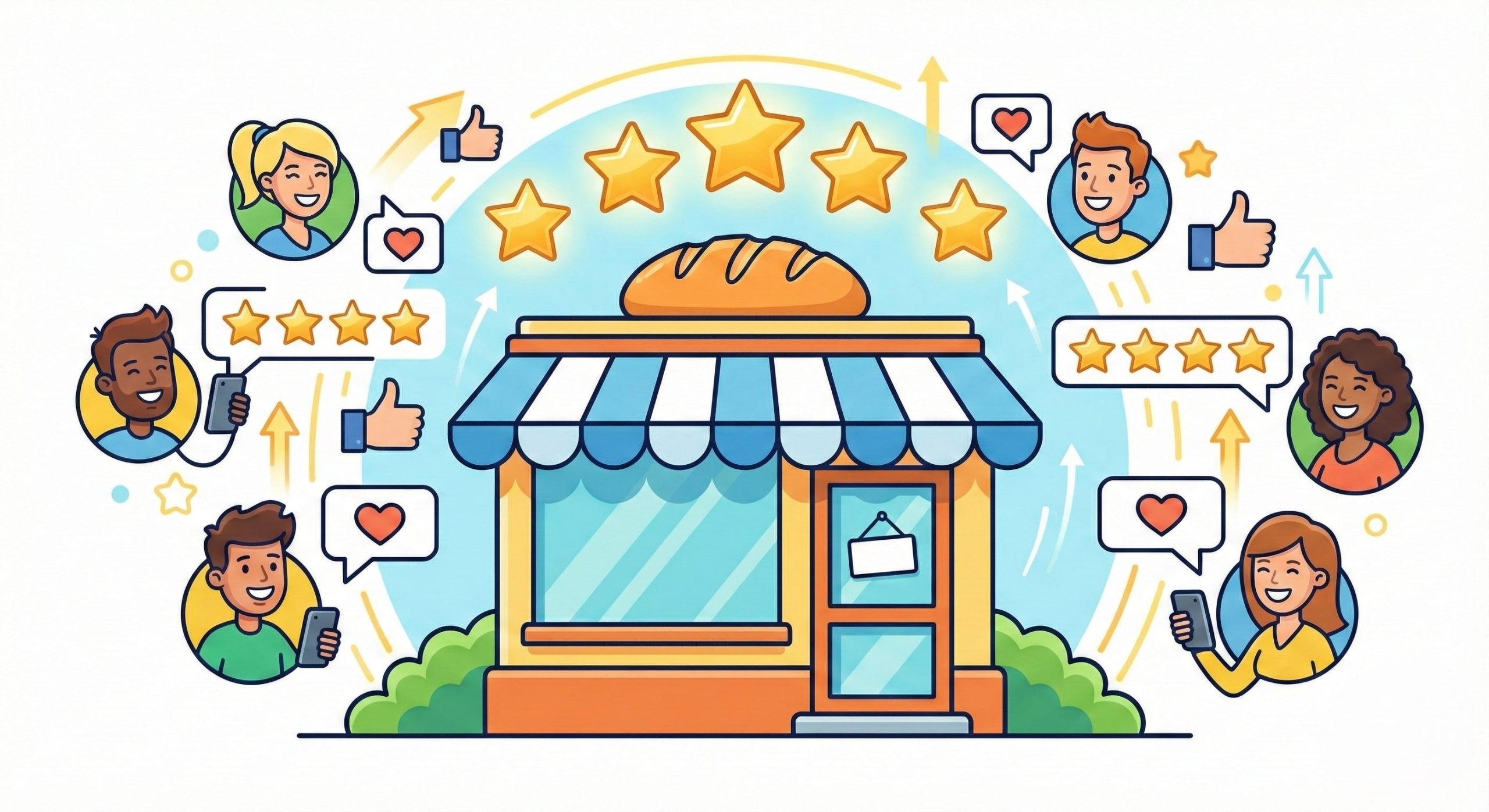
For local businesses, online reputation and customer reviews play a crucial role in driving clicks and conversions. Positive reviews not only influence potential customers but also enhance your ad performance by increasing trust and engagement.
Why Reviews Matter for Local Ads
- Build Trust Instantly: Ads paired with strong reviews or high ratings reassure potential customers that your business is reliable and credible.
- Improve Click-Through Rates (CTR): Local businesses with high star ratings in their ads or Google My Business profile often see higher CTRs.
- Support Local SEO: Reviews influence your local search ranking, which in turn can improve ad visibility.
- Increase Conversions: Customers are more likely to visit or call a business with positive feedback.
How to Integrate Reviews with Your Google Ads
- Use Location Extensions with Ratings
Google Ads allows you to include star ratings and reviews from your Google My Business listing in your ads. This highlights your credibility and encourages clicks. - Encourage Customer Reviews
Actively ask satisfied customers to leave reviews online. Send follow-up emails or include review links on receipts and invoices. - Respond to Reviews
Engaging with reviews, both positive and negative, shows customers that your business cares about their experience. Prompt responses can also improve your reputation score. - Highlight Reviews on Landing Pages
Featuring testimonials and high star ratings directly on your ad’s landing page reinforces trust and can boost conversion rates.
Best Practices Table: Using Reviews in Local Ads
| Strategy | How It Helps | Tips |
|---|---|---|
| Include Star Ratings in Ads | Builds trust and increases CTR | Link your Google My Business profile to your Google Ads account |
| Showcase Customer Testimonials on Landing Pages | Increases conversion rate | Use quotes from local customers for authenticity |
| Respond to Reviews Promptly | Improves brand perception | Address negative reviews professionally and offer solutions |
| Request Reviews from Satisfied Customers | Grows positive feedback | Provide simple, convenient ways for customers to leave reviews |
By integrating reviews and local reputation into your campaigns, you can make your ads more persuasive, build trust with nearby customers, and ultimately drive more foot traffic, calls, and conversions.
Monitor and Refine Your Campaign
Once your campaign is live, monitoring its performance is critical to getting the most out of your budget. Focus on these key metrics in Google Ads:
- Click-Through Rate (CTR)
Measures how often people click on your ad after seeing it. A low CTR may indicate unappealing ad copy or irrelevant targeting.
- Cost Per Click (CPC)
Keep a close watch on how much you’re paying per click, ensuring consistent returns on investment.
- Conversion Rate
Tracks the percentage of users completing actions like calls, bookings, or visits.
- Search Impression Share
This metric reveals how often your ad is showing compared to competitors.
Use this data to make adjustments:
- Pause underperforming keywords.
- Refine ad copy.
- Adjust bids to maximize ROI.
Why Google Ads is a Long-Term Investment for Local Businesses
When well-managed, Google Ads can become one of the most effective ways for local businesses to reach their audience. Over time, it creates a pathway for consistent leads, increased brand presence, and loyal customer relationships.
Take Your Local Campaigns to the Next Level
Running Google Ads campaigns doesn’t have to be overwhelming. Whether you’re launching your first campaign or optimizing an existing one, these steps will set you up for success. The key is to start small, track results, and continuously refine your strategies.
Want more tips on running Google Ads? Be sure to subscribe to our blog or try our advanced PPC training resources for free.
Frequently Asked Questions (FAQ)
1. What is the best Google Ads campaign type for local businesses?
For local businesses, Search Campaigns, Local Campaigns, and Smart Campaigns are the most effective. Search campaigns target users actively searching for your services, Local campaigns help drive foot traffic, and Smart campaigns automate much of the setup for beginners.
2. How much should I spend on Google Ads for a local business?
Your budget depends on your industry, competition, and goals. Start with a smaller budget to test campaigns, then increase spend for high-performing campaigns. Pay-per-click ensures you only pay when someone clicks your ad.
3. How can I target the right audience for my local business?
Use location targeting to reach customers near your business, adjust demographics like age and income, and optimize for devices (mobile vs. desktop) based on user behavior. Keywords with local intent, such as “near me” searches, are also crucial.
4. Do I need a professional website to run Google Ads?
While it’s not strictly required, having a well-optimized, mobile-friendly landing page improves conversion rates. Google Ads can drive clicks, but a good landing page ensures visitors take action, like calling, booking, or visiting your store.
5. How do I measure the success of my local Google Ads campaigns?
Key metrics include:
- Click-Through Rate (CTR): How many users click your ad.
- Cost Per Click (CPC): How much you pay per click.
- Conversion Rate: How many users take the desired action.
- Search Impression Share: How often your ad appears compared to competitors.
6. Can I run Google Ads campaigns on a small budget?
Yes! Google Ads is flexible for any budget size. Start with a small daily budget, target highly relevant keywords, and optimize over time to maximize ROI.
7. How can reviews and reputation impact my Google Ads performance?
Positive reviews and ratings improve click-through rates and trust, which can lead to higher conversions. Integrate Google My Business reviews and encourage satisfied customers to leave feedback.
8. How often should I monitor my Google Ads campaigns?
Regular monitoring is essential. Check campaigns at least weekly, analyze performance metrics, adjust bids, pause underperforming keywords, and tweak ad copy to maintain optimal ROI.



Leave a Reply