

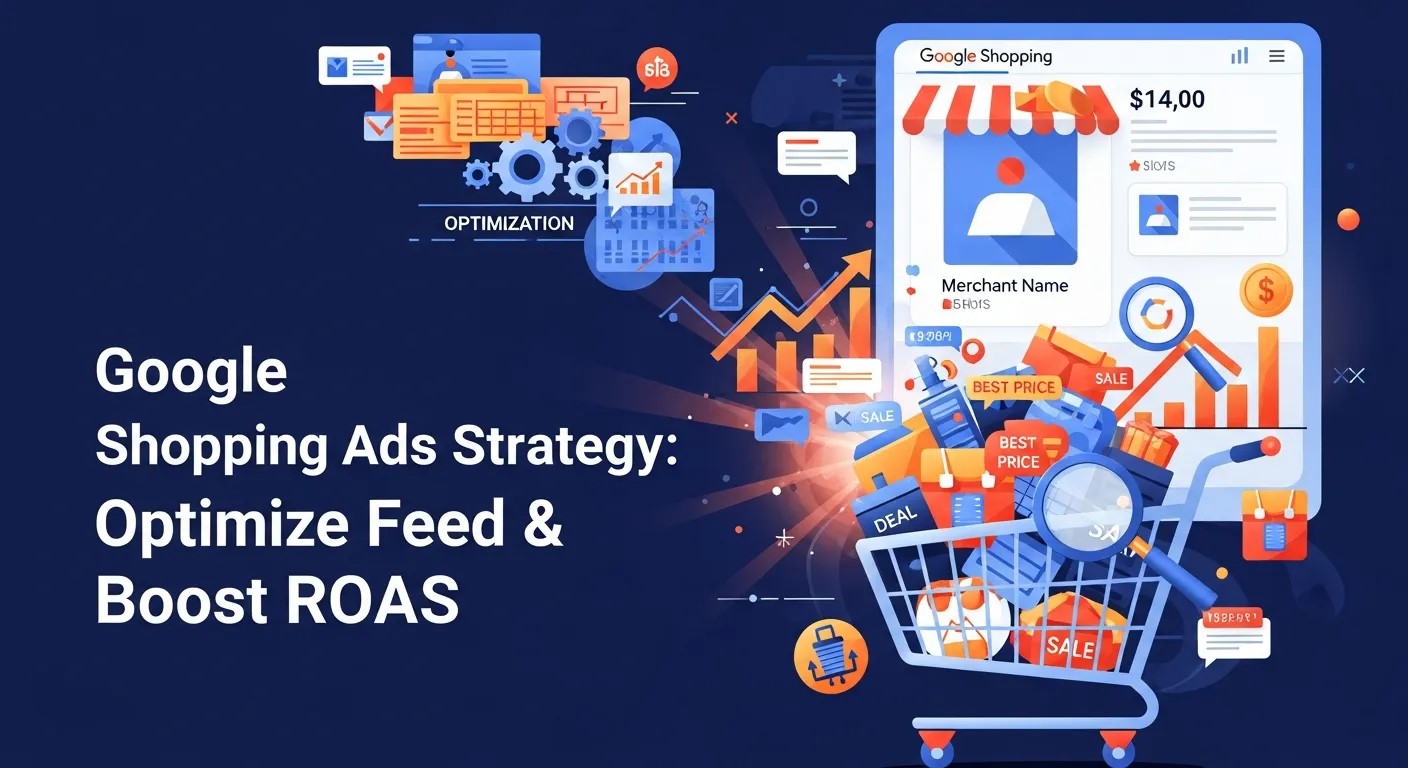
A well-executed Google Shopping Ads Strategy boosts visibility, optimizes your product feed, leverages AI-powered bidding, and maximizes ROAS, ensuring your eCommerce campaigns are efficient, data-driven, and profitable.
How to Build an Effective Google Shopping Ads Strategy to Boost ROAS
A successful Google Shopping Ads Strategy can transform your eCommerce performance. Unlike traditional text ads, Google Shopping ads provide a visual and detailed representation of your products, displaying images, prices, and merchant details directly in search results. For retailers, this is a prime opportunity to capture high-intent shoppers and increase sales.
To truly maximize your ROAS, a well-planned Google Shopping Ads Strategy involves a combination of feed optimization, AI-powered bidding, and continuous analytics. When executed correctly, this approach ensures every dollar of your advertising budget is working efficiently.
Why a Google Shopping Ads Strategy Matters
A strong Google Shopping Ads Strategy is not just about running ads; it’s about creating a system that aligns product visibility, user intent, and purchase likelihood. Studies show that shopping ads receive significantly higher CTRs than text ads, especially when paired with optimized feeds.
Implementing this strategy allows marketers to:
-
Improve visibility across Google Search and Shopping tabs
-
Increase conversions through targeted product exposure
-
Optimize ad spend by focusing on high-performing products
When combined with Google Ads for Ecommerce, this approach ensures that every campaign is tuned for both reach and profitability.
Optimize Your Product Feed
At the core of every effective Google Shopping Ads Strategy is the product feed. Feed quality directly affects ad placement, impressions, and CTR.
Crafting Perfect Product Titles
Product titles must be descriptive, relevant, and keyword-friendly. For instance, instead of “Running Shoes Blue,” an optimized title would read: “Men’s Lightweight Running Shoes – Breathable & Blue.”
Integrating AI insights, such as AI-Powered Object Recognition, can help automatically tag and categorize product images, ensuring your items appear in the most relevant searches.
Writing Compelling Descriptions
Descriptions should complement titles by highlighting benefits, features, and unique selling points. Within a Google Shopping Ads Strategy, product descriptions that match user search intent improve ad relevance and CTR.
High-Quality Images
Visual appeal is critical. Include multiple angles, lifestyle images, and zoom features. Tools using AI-Powered Object Recognition can automatically detect product attributes, ensuring images are searchable and optimized for the Google ecosystem.
Attributes and Categories
Correct categorization is vital. Include accurate size, color, material, brand, and condition information. Google uses these attributes to match products with relevant search queries.
-
Example: A product in the “Running Shoes” category with the brand and color attributes correctly filled will appear in highly relevant searches.
Integrating Google Ads Automation at this stage allows automatic updates for pricing, inventory, and promotions, ensuring your feed stays optimized.
Choosing the Right Bidding Strategy

An advanced Google Shopping Ads Strategy requires leveraging the right bidding tactics to maximize ROAS. Automated bidding helps scale campaigns efficiently.
Target ROAS
This strategy optimizes bids to achieve a desired return on ad spend. When paired with historical performance data, Target ROAS allows the AI to predict which auctions are most likely to convert profitably.
Maximize Conversion Value
Focus on getting the highest total conversion value within a budget. This approach is ideal for campaigns with fluctuating product prices or seasonal trends.
Manual CPC with Enhanced CPC
This method provides granular control while benefiting from AI-driven adjustments, perfect for businesses testing new products or targeting specific niches.
Combining these with Google Ads Campaigns for Local Business ensures regional campaigns are profitable while reaching nearby high-intent shoppers.
Structuring Campaigns for Efficiency
Campaign structure significantly impacts the effectiveness of a Google Shopping Ads Strategy. Proper segmentation allows you to manage budgets effectively and identify high-performing products.
Recommended Campaign Types
| Campaign Type | Strategy | Benefits |
|---|---|---|
| Brand Campaigns | Focus on branded products | Protects brand presence, higher CTR |
| Non-Brand Campaigns | Targets generic product searches | Expands reach, captures new customers |
| Seasonal Campaigns | Time-sensitive promotions | Capitalizes on seasonal trends |
| Local Business Campaign | Target local audience using geo-bidding | Drives foot traffic & regional sales |
By segmenting campaigns, you can apply Google Ads Automation selectively, ensuring optimal allocation of budgets across high-performing products.
Leveraging Analytics for Insights
Analytics is critical in a Google Shopping Ads Strategy. Google Analytics, Merchant Center reports, and third-party tools provide insights into product performance, user behavior, and ROAS.
Key Metrics to Track
-
Click-Through Rate (CTR)
-
Conversion Rate
-
Cost Per Conversion
-
Return on Ad Spend (ROAS)
-
Impressions Share
Integrating Chatbot Marketing Analytics allows tracking user interactions post-click, providing insights into lead generation and customer engagement.
Advanced Optimization Techniques
A strong Google Shopping Ads Strategy goes beyond basic optimization. Implementing advanced techniques can dramatically improve ROAS.
Product Segmentation
Segment products into high, medium, and low-performing categories. Allocate higher budgets to top-performing products and test new or low-performing products with smaller budgets.
Seasonal Adjustments
Use historical data to identify peak buying periods. Dynamic bid adjustments using AI-Powered Bidding Strategies help capitalize on seasonal trends.
Dynamic Remarketing
Target users who visited your site but didn’t purchase. Ads showing the exact products they viewed can significantly increase conversion rates.
Integration with Local Campaigns
Using Google Ads Campaigns for Local Business, you can target local customers while maintaining a global online presence. This hybrid approach boosts both online and offline conversions.
Automation and AI Integration
Automation is central to scaling a Google Shopping Ads Strategy. Google Ads Automation can adjust bids, pause underperforming products, and reallocate budgets based on real-time performance.
AI-Powered Tools
-
Automated feed updates for inventory and pricing
-
Predictive bidding using AI-Powered Bidding Strategies
-
Image recognition for tagging products using AI-Powered Object Recognition
These tools reduce manual workload and allow marketers to focus on strategy and growth rather than repetitive management tasks.
Multi-Channel Integration
A comprehensive Google Shopping Ads Strategy doesn’t operate in isolation. Integrating your Shopping campaigns with other channels enhances reach and reinforces your brand message.
Combining with Search Ads
Search ads complement Shopping campaigns by targeting high-intent keywords. For example, someone searching for “Men’s running sneakers” may see both text ads and product listings. This combination increases visibility and CTR.
Social Media Synergy
Platforms like Instagram and Facebook can support your Shopping campaigns through product catalogs and retargeting ads. Linking social ads with Google Shopping campaigns allows consistent messaging across channels.
Email Marketing Integration
Including top-selling or new products featured in Google Shopping campaigns in email marketing campaigns improves conversions and keeps your audience engaged.
Competitor Analysis
Understanding competitors is a crucial component of a successful Google Shopping Ads Strategy. Knowing what products, prices, and promotions competitors are running helps identify gaps and opportunities.
Tools for Competitor Research
-
SEMRush and Ahrefs for analyzing keyword and traffic trends
-
Google’s Auction Insights to compare impression share and CTR
-
Price comparison tools to ensure competitive pricing
Applying Insights
If competitors have strong CTRs on certain products, consider increasing bids for similar items using AI-Powered Bidding Strategies. Monitoring competitor feeds ensures you adjust your pricing, descriptions, and imagery to maintain a competitive edge.
Niche-Specific Strategies
Different product categories require tailored approaches in your Google Shopping Ads Strategy.
Electronics
High-tech products benefit from detailed specs in titles and descriptions. Including features like AI-Powered Object Recognition for images ensures your products match relevant search queries.
Fashion & Apparel
Lifestyle images, color variations, and size details are critical. Segmenting campaigns by brand and product line increases efficiency and ROAS.
Local Services
For products or services targeting a geographic area, integrating Google Ads Campaigns for Local Business ensures your Shopping ads reach nearby customers effectively.
Seasonal and Event-Based Campaigns

Seasonal trends can dramatically affect eCommerce performance. A proactive Google Shopping Ads Strategy anticipates these fluctuations.
Holiday Promotions
Plan campaigns for Black Friday, Christmas, or local festivals. Using Google Ads Automation, you can increase bids for top products during peak periods while reducing spend on low-demand items.
Flash Sales and Limited Offers
Dynamic campaigns highlighting limited-time offers create urgency. Integrating AI-Powered Bidding Strategies ensures the system optimizes for conversions during high-demand windows.
Event-Based Targeting
Events like product launches or special campaigns for returning customers can be tracked and optimized within Shopping campaigns, ensuring maximum exposure.
Testing and Experimentation
Continuous testing is the backbone of a robust Google Shopping Ads Strategy.
A/B Testing Product Titles and Images
Small variations in titles or images can impact CTR significantly. Test different formats to identify what resonates best with your audience.
Bidding Strategy Experiments
Compare manual CPC with automated bidding options like Target ROAS or Maximize Conversion Value to determine the optimal approach for your campaign.
Feed Attribute Optimization
Experiment with including additional attributes such as “material” or “occasion” to see if they improve ad relevance and ranking.
Dynamic Remarketing
Dynamic remarketing allows targeting users who interacted with your website or previous campaigns.
-
Showcase exact products a user viewed to increase the likelihood of conversion
-
Use Chatbot Marketing Analytics to follow user behavior post-click
-
Leverage AI to segment users based on likelihood to convert, allowing smarter bid adjustments
Dynamic remarketing is an essential layer in a Google Shopping Ads Strategy for reducing abandoned carts and recovering lost sales.
Budget Allocation Strategies
Allocating budgets efficiently is crucial for campaign success.
Product-Based Budgeting
High-performing products get higher daily budgets, while testing budgets are reserved for new or experimental items.
Campaign-Level Allocation
Split budget across brand campaigns, non-brand campaigns, seasonal campaigns, and local campaigns.
Automated Budget Management
Integrate Google Ads Automation to automatically adjust spend based on performance, ensuring every dollar contributes to ROI.
Leveraging AI and Automation
AI is transforming the way Google Shopping campaigns are managed. Incorporating AI-Powered Bidding Strategies and automation tools helps scale campaigns efficiently.
Automated Feed Optimization
AI tools analyze product performance and update titles, descriptions, and images to improve relevance.
Predictive Bidding
AI predicts which auctions are likely to convert and adjusts bids in real-time, reducing wasted spend.
Inventory and Pricing Automation
Automatically update product availability and pricing to stay competitive without manual intervention, ensuring your Google Shopping Ads Strategy remains agile.
Key Tools for Optimizing Google Shopping Ads
The right tools make executing a Google Shopping Ads Strategy smoother and more efficient.
| Tool Category | Purpose |
|---|---|
| Merchant Center | Manage product feed and monitor ad performance |
| Google Ads Automation Scripts | Automate bids, pausing underperforming products |
| Analytics Platforms | Track conversions, CTR, ROAS, and audience behavior |
| AI Image Recognition Tools | Optimize product images for better search relevance |
| Competitor Analysis Tools | Benchmark performance and adjust strategies |
Using these tools strategically ensures your campaigns are data-driven and continuously improving.
Optimizing for Mobile Users
Mobile shoppers now account for a large portion of eCommerce traffic. An effective Google Shopping Ads Strategy must prioritize mobile optimization to maximize conversions.
-
Responsive Images: Ensure product images scale properly across devices. Using AI-Powered Object Recognition, images are tagged and cropped automatically for better mobile visibility.
-
Fast Landing Pages: Mobile users abandon pages that take longer than 3 seconds to load. Optimized product pages improve CTR and ROAS.
-
Touch-Friendly Design: Buttons and product selectors should be easy to tap on small screens.
Integrating these mobile-centric practices ensures that your Google Shopping Ads Strategy captures high-intent users wherever they browse.
Product Ranking and Auction Insights
Understanding how Google ranks your products within Shopping ads is essential. Your Google Shopping Ads Strategy should include continuous monitoring of auction insights and impression share.
-
Impression Share Monitoring: Identifies how often your ads are displayed versus competitors.
-
Bid Adjustments: Using AI-Powered Bidding Strategies, adjust bids for underperforming auctions automatically.
-
Competitive Benchmarking: Track which competitors consistently outrank your products. Tools like Auction Insights and competitor analysis software are crucial.
This step ensures your campaigns remain competitive in high-demand niches.
Product Feed Segmentation and Custom Labels
Advanced segmentation allows better control over your Google Shopping Ads Strategy.
-
Segment by Price: Group products into budget, mid-range, and premium categories.
-
Segment by Performance: Use historical data to tag products as high-performing, medium, or low-performing.
-
Custom Labels: Tags like “Seasonal”, “Best Seller”, or “New Arrival” can be added to product feeds, allowing for granular bid adjustments.
Custom labels combined with Google Ads Automation enable campaigns to dynamically adjust for performance, timing, and market trends.
Optimizing Product Titles with Search Intent
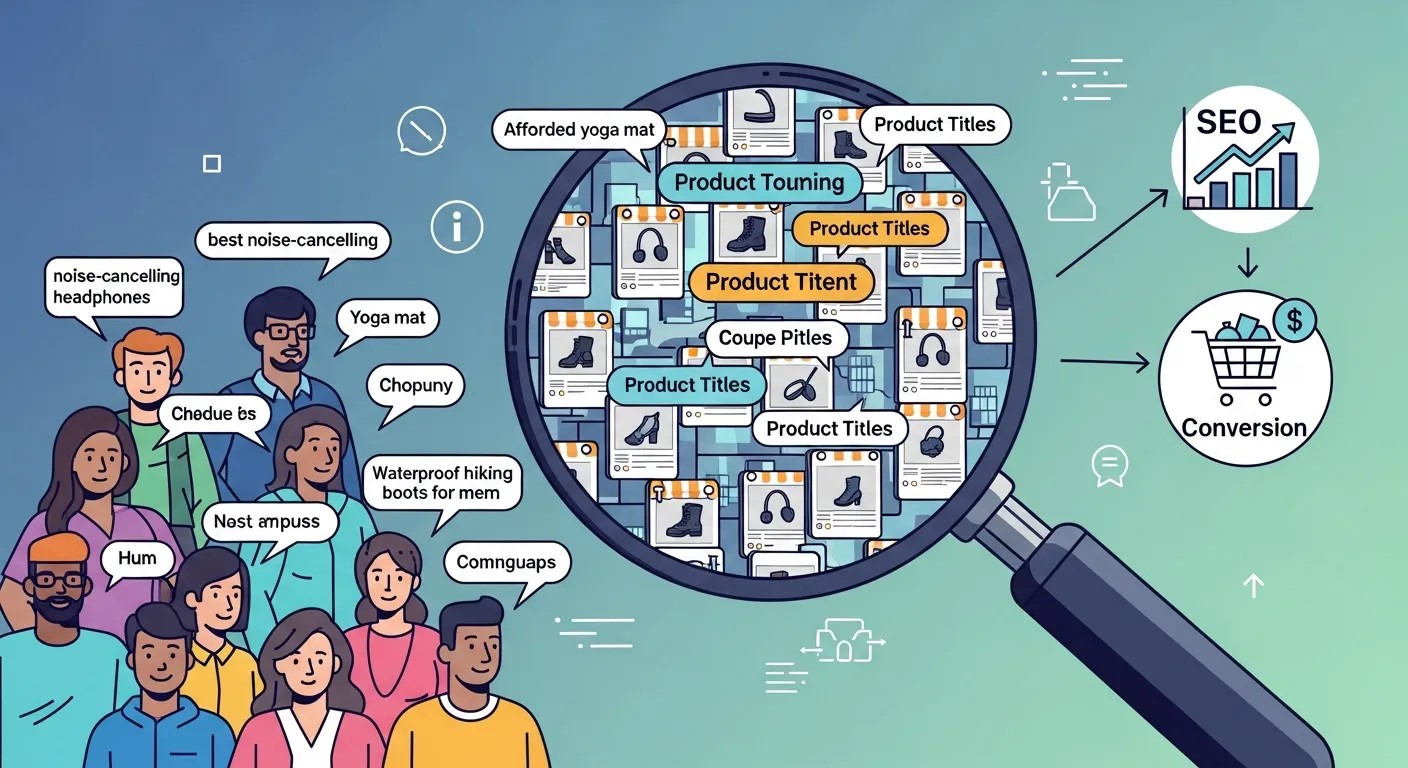
Search intent is a key driver in a successful Google Shopping Ads Strategy. Titles should match the exact queries users type.
-
Example 1: Instead of “Laptop Sleeve Black,” use “15-Inch Laptop Sleeve Black – Water-Resistant & Slim Fit.”
-
Example 2: For home appliances, instead of “Air Purifier,” use “HEPA Air Purifier for Large Rooms – Allergy & Dust Removal.”
Correctly optimized titles paired with AI-Powered Object Recognition for images enhance ad relevance and CTR.
Incorporating User Reviews and Ratings
Ratings and reviews impact purchase decisions. A strong Google Shopping Ads Strategy should encourage and display reviews.
-
Highlight Star Ratings: Products with 4+ star ratings are more likely to attract clicks.
-
User Testimonials: Integrate snippets from reviews into descriptions or landing pages.
-
Review Automation: Platforms can automatically collect and showcase reviews, supporting higher trust.
Seasonal Promotions and Countdown Campaigns
Running time-sensitive promotions can create urgency. A Google Shopping Ads Strategy should leverage seasonal campaigns:
-
Holiday Campaigns: Black Friday, Cyber Monday, and Christmas ads require pre-planned budgets.
-
Flash Sales: Promote limited-time offers using Google Ads Automation to increase bids on top products.
-
Event-Based Targeting: Launch products with dedicated campaigns tied to events, holidays, or industry trends.
Dynamic campaigns during high-demand periods help maximize ROI while maintaining budget efficiency.
Integrating AI for Predictive Analytics
AI integration can elevate your Google Shopping Ads Strategy from reactive to proactive.
-
Predictive Bidding: Using AI-Powered Bidding Strategies, forecast which products and auctions are likely to convert.
-
Inventory Forecasting: AI predicts demand spikes, enabling timely campaign adjustments.
-
Customer Behavior Insights: Using Chatbot Marketing Analytics, analyze user interactions post-click to improve remarketing efforts.
This predictive approach ensures campaigns are always optimized for maximum ROAS.
Advanced Remarketing Techniques
Remarketing is a key layer in a high-performing Google Shopping Ads Strategy.
-
Segmented Lists: Create audiences based on product views, cart additions, or past purchases.
-
Personalized Ads: Show ads featuring the exact products users interacted with, increasing conversion likelihood.
-
Cross-Sell Opportunities: Introduce complementary products to previous buyers to increase average order value.
Dynamic remarketing campaigns paired with AI-Powered Object Recognition help maintain ad relevance and engagement.
Testing and Iteration
Continuous testing is crucial to refine a Google Shopping Ads Strategy.
-
A/B Test Titles and Images: Small changes can significantly impact CTR and ROAS.
-
Experiment with Bid Strategies: Compare Target ROAS, Maximize Conversion Value, and Enhanced CPC to find the optimal method.
-
Monitor Product Feed Adjustments: Test the impact of new attributes or enhanced images.
Regular iteration ensures campaigns remain competitive and responsive to market trends.
Scaling Campaigns
Once your Google Shopping Ads Strategy proves profitable, scaling effectively is key.
-
Increase Budget for Top Products: Allocate more spend to high-performing items.
-
Expand Geographic Reach: Use Google Ads Campaigns for Local Business data to identify new locations.
-
Launch New Product Lines: Integrate new inventory using optimized feeds and AI-assisted titles.
Scaling intelligently ensures sustained growth without diminishing returns.
Conclusion
Implementing a comprehensive Google Shopping Ads Strategy is essential for eCommerce success. By optimizing your product feed, leveraging AI-powered bidding strategies, and continuously analyzing performance, you can maximize ROAS, drive more qualified traffic, and scale your campaigns effectively.
Frequently Asked Questions (FAQ)
What is a Google Shopping Ads Strategy?
A Google Shopping Ads Strategy is a structured approach to running Shopping campaigns, focusing on feed optimization, bidding tactics, and analytics to maximize visibility and ROAS.
How can I optimize my product feed for better results?
Feed optimization includes using clear titles, detailed descriptions, high-quality images, accurate categories, and attributes. Integrating AI tools like AI-Powered Object Recognition can further improve relevance and visibility.
What bidding strategies work best for Google Shopping Ads?
Automated strategies like Target ROAS, Maximize Conversion Value, and Enhanced CPC help optimize spend. Using AI-Powered Bidding Strategies ensures your ads reach the right audience at the right time.
Can Google Shopping Ads benefit local businesses?
Yes. Incorporating Google Ads Campaigns for Local Business allows geo-targeting, helping local customers find your products while maximizing ROAS.
How do I track performance and improve ROI?
Use Google Analytics, Merchant Center reports, and Chatbot Marketing Analytics to monitor metrics like CTR, conversion rate, and ROAS. Continuous testing and adjustments keep your campaigns profitable.
How often should I update my Google Shopping Ads Strategy?
Regularly review campaigns, especially product feeds, seasonal trends, and competitor performance. Frequent updates, combined with automation, ensure your Google Shopping Ads Strategy remains competitive and efficient.



Leave a Reply