


Google Ads has become a game-changer for e-commerce, providing businesses of all sizes with direct and effective ways to reach potential customers. Among the many ad formats available, Product Listing Ads (PLAs), now part of Google Shopping Ads, stand out as a powerful tool for showcasing your products to eager buyers.
If you’re running an ecommerce business and want to harness the power of Google PLA campaigns to boost sales, this guide is for you. By the end of this post, you’ll understand how Product Listing Ads work and get actionable steps to set up and optimize your campaigns, driving more traffic and revenue.
What Are Product Listing Ads (PLAs)?
Product Listing Ads, commonly referred to as PLAs, are a type of Google Shopping Ad designed to display your products directly in search results. They showcase key product details such as an image, title, price, and store name. Whenever a user searches for a product like yours, PLAs appear prominently on the search engine results page (SERP), often at the top or along the side, making them highly visible to consumers.
Unlike standard Google text ads, which rely on keywords, PLAs are driven by product data provided through a feed in your Google Merchant Center account. This ad format eliminates ambiguity and provides potential buyers with a clear snapshot of what you offer, even before they click.
Key benefits of Product Listing Ads:
- Ultra-relevant targeting: Your ads appear only for relevant product searches.
- Visual format: Eye-catching images improve click-through rates compared to text-only ads.
- Traffic with purchase intent: PLAs attract users who are already in buying mode.
- Transparency: Shoppers see the price upfront, ensuring leads are more likely to convert.
Why Product Listing Ads Are Perfect for Ecommerce
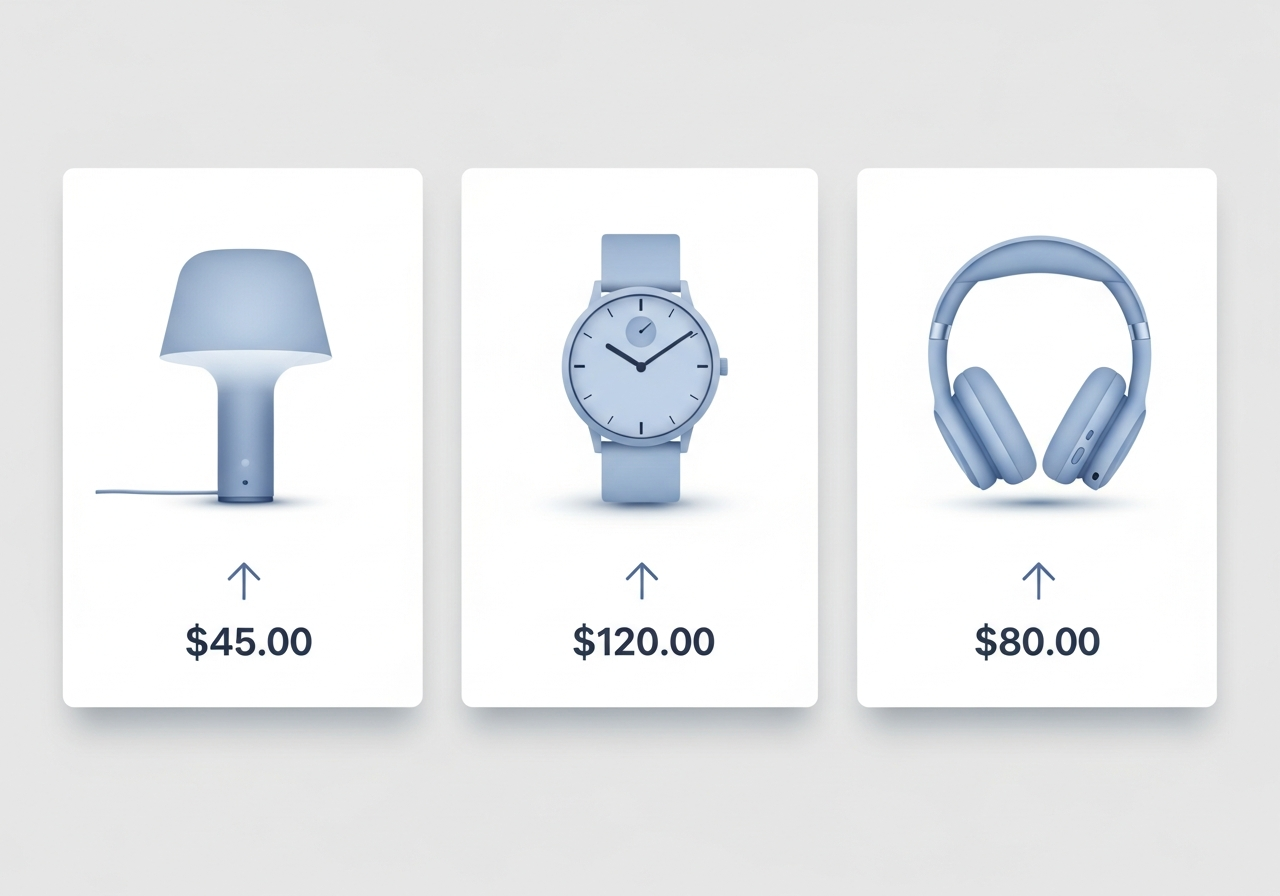
E-commerce is a highly competitive space, but PLAs offer several advantages that are crucial for driving efficient sales:
1. Enhanced Product Visibility
PLAs showcase your products at the top of search results, including a visual component that instantly grabs users’ attention. Since they display core details like price and product image, these ads address shoppers’ queries immediately, leading to higher engagement.
2. Intent-Driven Audience
Shoppers who click on a PLA typically have strong purchase intent. They’ve searched for a specific product and are only one or two steps away from purchasing. This means you’re targeting informed individuals who are ready to buy.
3. Strong Return on Ad Spend (ROAS)
Google Shopping campaigns often result in a higher return on ad spend compared to other ad formats. The combination of better-qualified traffic, tailored recommendations, and upfront pricing ensures that your budget is spent on worthwhile leads.
4. Broad Reach for Small Businesses
Small e-commerce stores can compete effectively with larger businesses using Google Shopping Ads. With the right optimization, high-quality images, and competitive pricing, even new players can stand out.
How to Set Up and Launch Product Listing Ads
Now that you understand the power of PLAs, here’s your step-by-step guide to setting up and launching them for your ecommerce business.
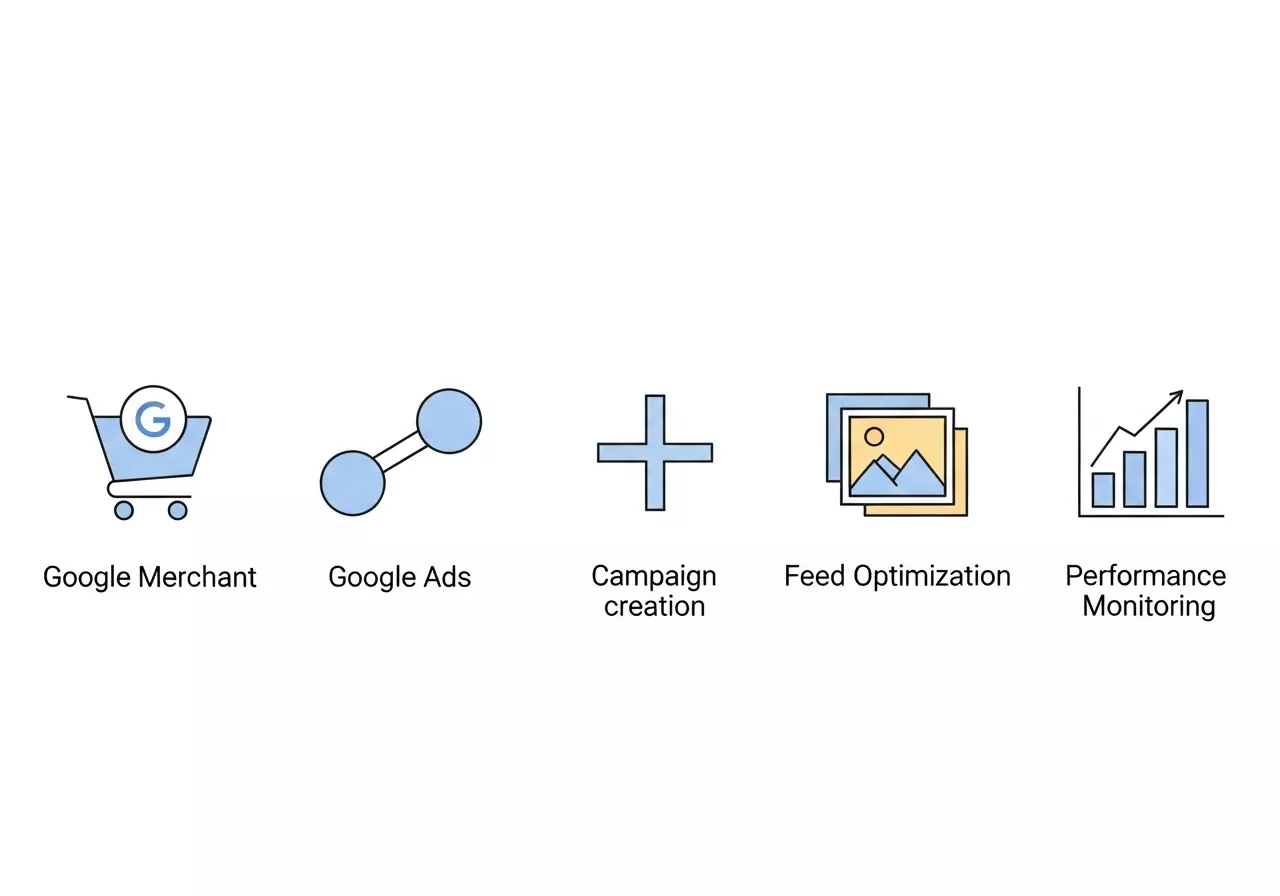
Step 1: Create a Google Merchant Center Account
To run Shopping Ads, you’ll need to upload your product catalog to Google Merchant Center. This platform acts as the central database for your product details.
- Sign up for Google Merchant Center at merchants.google.com.
- Verify your website and follow Google’s guidelines for product data uploads.
- Prepare a product feed file (e.g., CSV, XML) including essential details like product ID, title, description, image link, price, availability, and more.
Step 2: Integrate with Google Ads
Once your product feed is active in Merchant Center, link it to your Google Ads account. This integration allows you to create Shopping campaigns directly within the Google Ads dashboard.
- Go to Google Merchant Center > Settings > Linked Accounts.
- Select your Google Ads account, ensuring both platforms are now connected.
Step 3: Set Up a Shopping Campaign
- Log in to Google Ads and click the “+” button to create a new campaign.
- Choose the Shopping campaign type.
- Select a sales goal, such as “Online Store Sales,” and connect your Merchant Center feed.
- Determine your network placements (e.g., Google Search, Display Network).
- Set your daily budget and bidding type (e.g., maximize clicks or ROAS).
- Choose between Standard Shopping or Smart Shopping. Smart campaigns allow for automation and broaden placement scope, while Standard campaigns give you more control.
Step 4: Optimize Your Product Feed
Your product feed is the backbone of your Shopping Ads. Ensure it’s optimized to boost visibility and relevance:
- Titles and Descriptions: Use specific, keyword-rich titles like “Women’s Black Leather Chelsea Boots” instead of generic ones like “Women’s Boots.”
- Product Images: High-quality, clear, and well-lit images lead to better click-through rates.
- Price Competitiveness: Review competitors’ pricing to strike a balance between profitability and visibility.
- Structured Data: Ensure attributes like GTIN, product categories, and materials are accurately filled out.
Step 5: Monitor and Refine Campaign Performance
To maximize performance:
- Evaluate the “Search Term” report to identify high-converting queries.
- Use negative keywords to filter irrelevant searches.
- A/B test bids, product titles, and images to find winning combinations.
- Analyze ROAS reports to focus more budget on high-performing products.
Advanced Targeting and Segmentation for Google PLAs
Targeting and segmentation are critical to optimizing your Product Listing Ads (PLAs) to ensure you’re reaching the right audience. While basic targeting methods work well, diving into advanced techniques can make your campaigns even more efficient and effective.
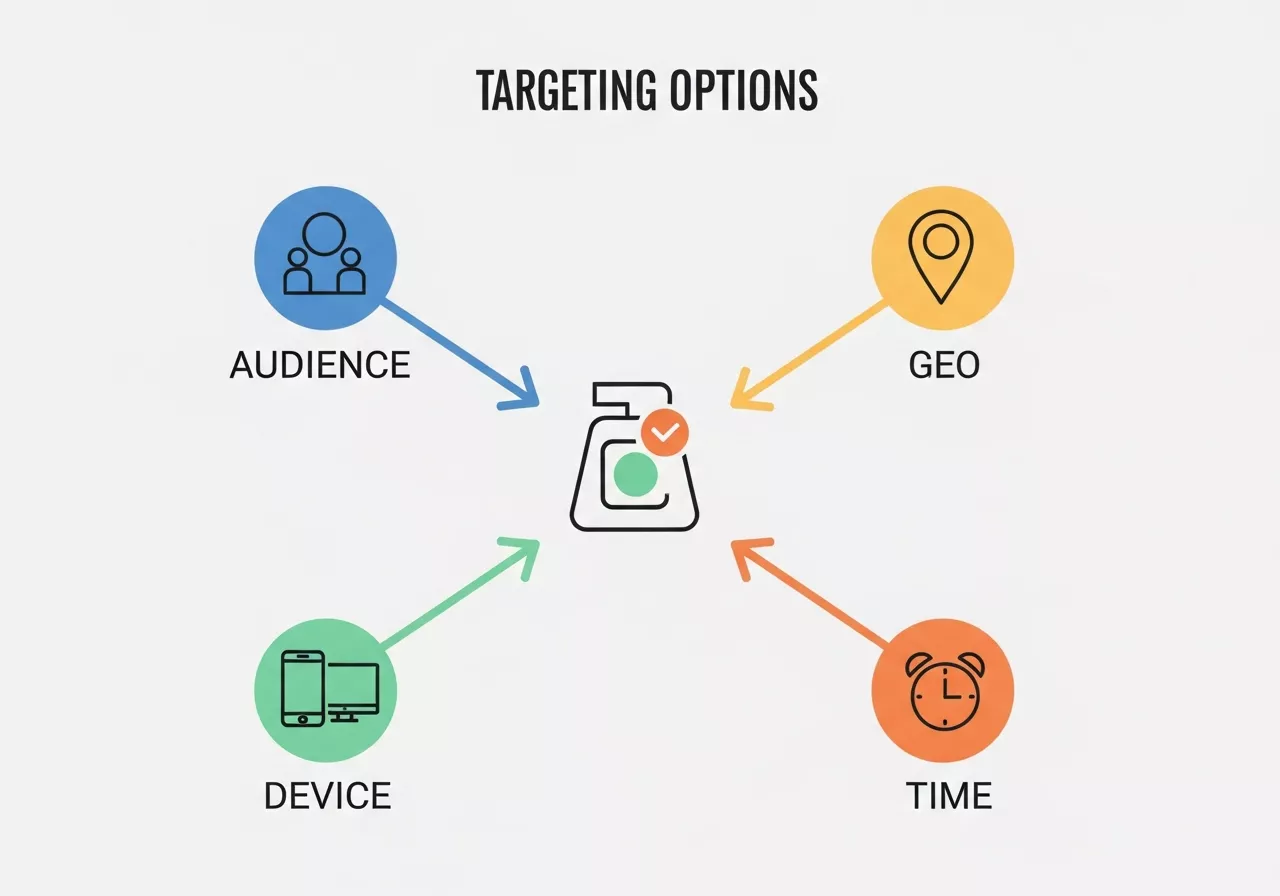
Key Advanced Targeting Options:
-
Audience Targeting: Leverage Google Ads’ audience targeting features such as In-Market Audiences and Remarketing Lists. These allow you to target users who have shown interest in similar products or previously interacted with your site.
-
Geo-targeting: Tailor your ads for specific geographic regions, cities, or even postal codes. This helps localize your ad efforts, ensuring you’re showing relevant products to nearby customers.
-
Device Targeting: Adjust your bids for users on mobile devices, desktops, or tablets based on device performance data. If mobile traffic converts at a higher rate for your business, you can increase bids specifically for mobile users.
-
Time-of-Day Adjustments: Use Google Ads’ ad scheduling features to bid more aggressively during peak shopping hours, or when your audience is more likely to convert.
Benefits of Advanced Targeting:
- Reach the most relevant customers at the right time.
- Improve conversion rates by serving ads to the most qualified leads.
- Maximize ROI by focusing ad spend on high-performing segments.
Table: Example of Geo-Targeting Bid Adjustments
| Location | Current Conversion Rate | Bid Adjustment | New Conversion Rate | Resulting ROI |
|---|---|---|---|---|
| New York | 3.5% | +20% | 4.2% | +25% |
| California | 2.0% | +10% | 2.5% | +20% |
| Texas | 1.5% | -10% | 1.35% | -5% |
Optimizing Your Product Feed for Maximum Visibility
Your product feed is the backbone of your PLA campaigns. A well-optimized feed ensures your ads appear in front of the most relevant search queries, improving your ad performance and overall visibility.
Best Practices for Feed Optimization:
- Accurate Product Titles: Use detailed, keyword-rich product titles. Avoid vague terms and aim to include key details such as color, material, size, and model number. For example, “Men’s Black Running Shoes, Size 10” is far more effective than simply “Running Shoes.”
- High-Quality Images: Ensure all product images are high-resolution and meet Google’s image requirements. A clear, visually appealing image increases CTR.
- Descriptive Product Descriptions: Write compelling, clear, and concise product descriptions with relevant keywords.
- Categorization: Ensure your products are correctly categorized within Google’s product taxonomy. This helps Google’s algorithms serve your products to the right audience.
- Product Identifiers: Include identifiers such as GTINs (Global Trade Item Numbers) and MPNs (Manufacturer Part Numbers). These help Google match your products more accurately to search queries.
Feed Maintenance Tips:
- Regular Updates: Refresh your product feed regularly to reflect changes in inventory, price, and availability.
- Error Checking: Use Google Merchant Center’s diagnostics tools to catch any feed errors early, such as missing attributes or data discrepancies.
- Use Custom Labels: Implement custom labels in your feed for better campaign segmentation. For example, you could categorize products by season, best-sellers, or high-margin items.
Table: Feed Optimization Checklist
| Feed Element | Optimization Tip |
|---|---|
| Product Title | Include key details like brand, size, and color. |
| Product Image | Use high-resolution images (at least 800×800 pixels). |
| Product Description | Be clear, concise, and keyword-rich. |
| Price | Ensure competitive pricing based on competitor research. |
| Product Categorization | Match Google’s product taxonomy exactly. |
| GTIN/MPN | Include GTINs or MPNs wherever possible. |
Proven Strategies to Drive Sales with PLAs
Want to take your Shopping campaigns to the next level? Implement these strategies to scale your PLA success even further:
-
Use Dynamic Remarketing
Reach users who have interacted with your website but didn’t convert by showing them dynamic ads tailored to their browsing history. This strategy enhances your product promotion, reminding potential buyers of items they viewed and increasing chances of conversion. -
Leverage Seasonal Trends
Capitalize on seasonal demand by promoting relevant products, offering time-sensitive discounts, and optimizing bids accordingly. Effective product promotion during holidays or seasonal peaks can significantly boost sales. -
Segment Your Products
Instead of applying the same bid strategy across all products, segment them based on profit margins and performance to make the most of your budget. This targeted approach ensures your product promotion efforts are focused on items with the highest sales potential. -
Optimize for Mobile
Google Shopping ads perform exceptionally well on mobile devices. Ensure your e-commerce store is mobile-friendly and has fast-loading pages to support smooth product promotion and increase conversions.
Budget Management and Bidding Strategies for Google PLAs
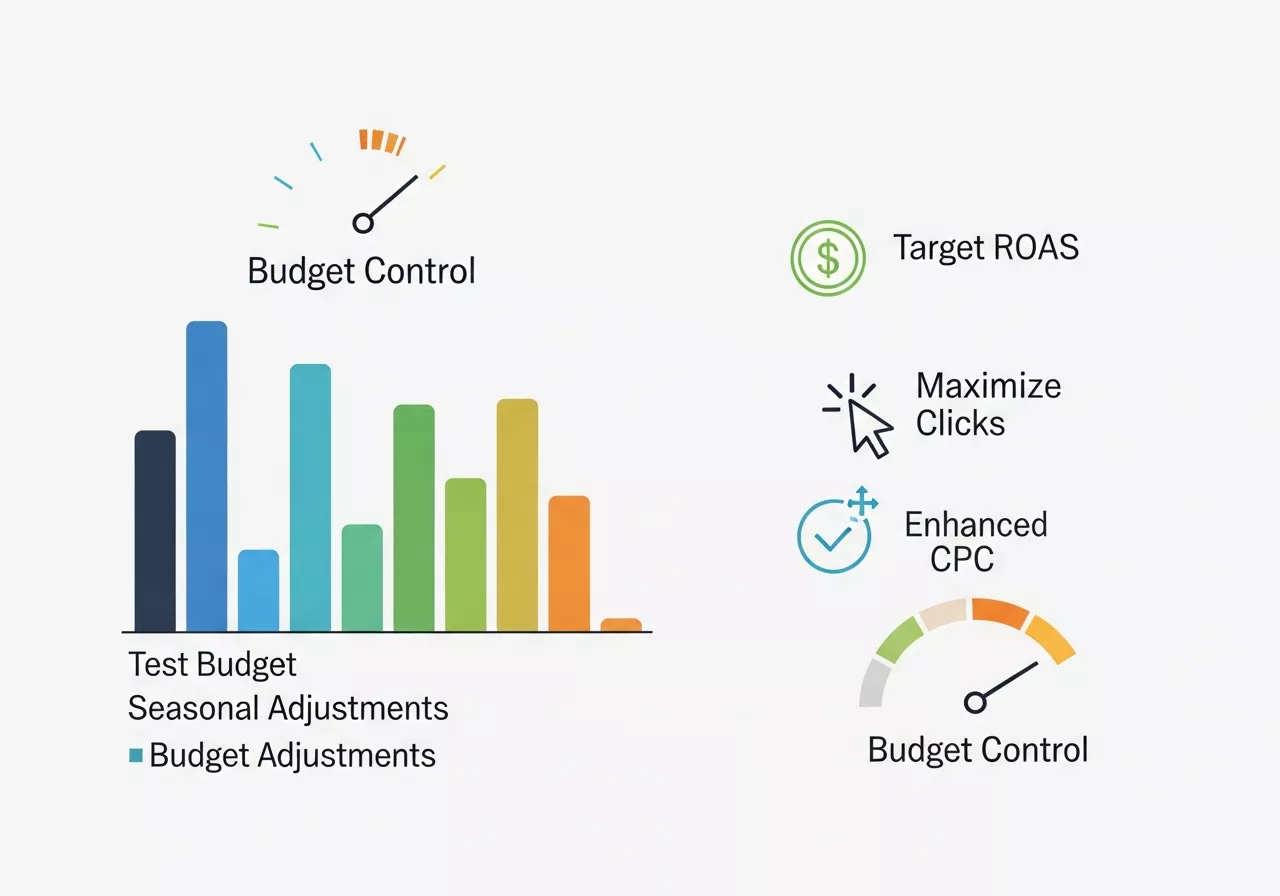
One of the key challenges for ecommerce businesses is ensuring that they’re getting the best ROI from their advertising spend. Understanding your Search Engine Marketing Cost helps you allocate budgets effectively, optimize bids, and maximize the profitability of your Product Listing Ads.
Budgeting Tips:
- Start with a Test Budget: If you’re new to PLAs, start with a small budget to test the waters. Use this phase to identify your best-performing products and keywords.
- Use Dynamic Bidding: Enable dynamic bidding strategies like Target ROAS (Return on Ad Spend) or Maximize Conversions. These automatic bid adjustments help maximize results while controlling costs.
- Seasonal Budget Adjustments: Increase your budget during high-demand periods such as Black Friday, Cyber Monday, or holiday sales, when shoppers are more likely to convert.
- Adjust Based on Performance: Continuously monitor and adjust your budget allocation for high-performing products. Shift budget from underperforming campaigns to the best sellers to ensure optimal spend.
Bidding Strategies:
- Maximize Clicks: Ideal if you’re looking to drive traffic to your ecommerce site.
- Target ROAS: Set a target return on ad spend to ensure you’re not overspending on underperforming products.
- Enhanced CPC: Automatically adjust your bids in real-time to optimize for conversions, making it easier to scale profitable products.
Budget Control Tips:
- Set Daily Budgets: Control your daily spending to avoid overspending, especially during trial phases.
- Monitor the Spend: Watch for spending spikes during peak shopping periods and adjust accordingly.
Table: Bidding Strategy Comparison
| Bidding Strategy | Best For | Advantages | Disadvantages |
|---|---|---|---|
| Maximize Clicks | Driving traffic | Simple and effective for traffic goals | May not always optimize for conversions |
| Target ROAS | Revenue-focused campaigns | Controls spending based on revenue goals | Requires enough conversion data to be effective |
| Enhanced CPC | When conversion volume is moderate | Automated bid adjustments for optimal performance | Can result in higher costs if not closely monitored |
Unlock the Benefits of Google Shopping Ads Today
Product Listing Ads have revolutionized how e-commerce businesses reach their ideal customers. By combining visually engaging ads with targeted intent, you’ll create campaigns that deliver high-converting traffic to your store.
Whether you’re a new business or a seasoned seller, dedicating time to optimizing PLAs ensures a strong return on your advertising investment.
Need help managing your Google Shopping campaigns? Sign up with us to master Google Ads and watch your e-commerce store scale to new heights.
FAQ: Google Ads Product Listing Ads (PLAs) for Ecommerce
1. What are Google Product Listing Ads (PLAs)?
PLAs are a type of Google Shopping Ad that display your products with images, titles, prices, and store names directly in search results, helping potential buyers see and click on your offerings easily.
2. How do PLAs differ from standard text ads?
Unlike text ads, PLAs rely on product feed data rather than keywords, offering a visual, detailed snapshot of your product to attract buyers with high purchase intent.
3. Do I need a Google Merchant Center account to run PLAs?
Yes. Google Merchant Center stores your product feed, which is required to run PLA campaigns and integrate with Google Ads.
4. How can I optimize my product feed for better PLA performance?
- Use clear, keyword-rich product titles.
- Include high-quality images.
- Provide accurate pricing and descriptions.
- Add GTINs/MPNs and proper product categorization.
- Update feeds regularly to reflect inventory changes.
5. What targeting options are available for PLAs?
PLAs support advanced targeting like audience segmentation, geo-targeting, device targeting, and time-of-day adjustments to reach the right customers at the right time.
6. How do I measure the success of PLA campaigns?
Track metrics such as click-through rates (CTR), conversion rates, ROAS, and product-specific performance. Google Ads and Analytics provide insights into campaign effectiveness and ROI.
7. Should small businesses invest in PLAs?
Absolutely. PLAs allow small e-commerce stores to compete with larger retailers by showcasing products to users with high purchase intent, often achieving strong ROAS.
8. Can I use PLAs for seasonal promotions?
Yes. You can optimize bids, highlight seasonal products, and adjust budgets during peak shopping periods like holidays, Black Friday, or Cyber Monday to maximize sales.
9. What’s the difference between Standard and Smart Shopping campaigns?
-
Standard Shopping: Gives full control over bids, targeting, and product segmentation.
-
Smart Shopping: Automates bidding and placement using machine learning for broader reach and simplified management.
10. How can I improve ROI with PLAs?
Use dynamic remarketing, segment products based on performance, optimize landing pages, leverage mobile-friendly designs, and continuously test bids and product data.
You can learn more about: How to Run Effective Google Ads Campaigns for Your Local Business



Leave a Reply